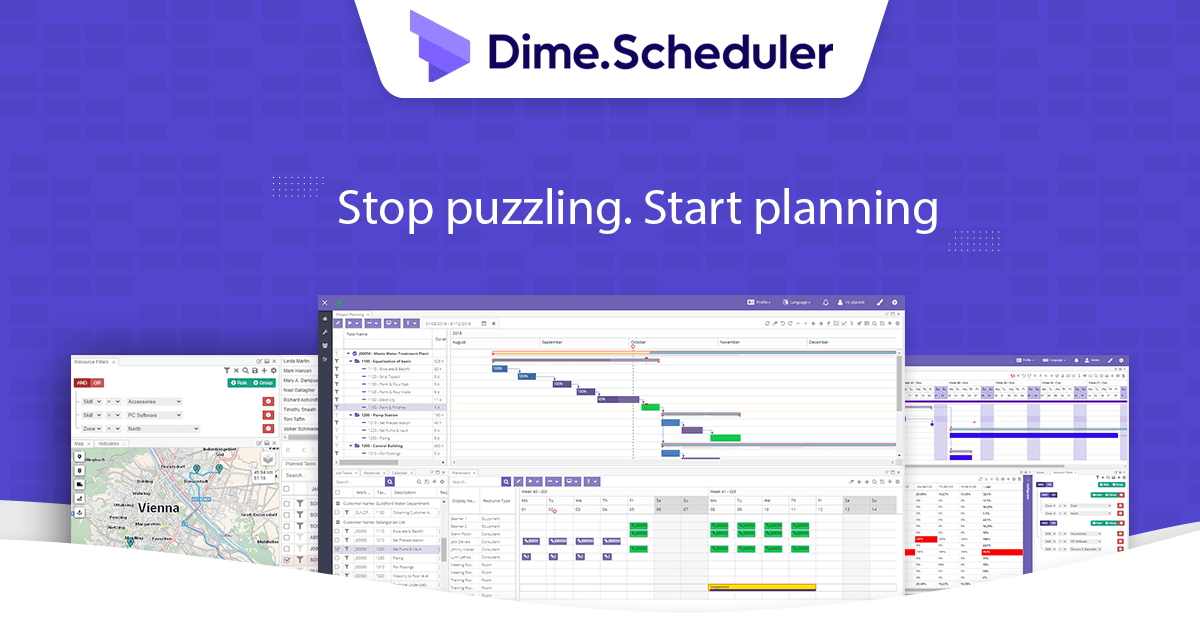
A new release of Dime.Scheduler is now live in production - and it's a big one. There is a new AI story, a vastly more capable map, modernized setup pages, and a long list of platform and tooling upgrades underneath.
What is new
Dime.Scheduler is now AI-ready
Model Context Protocol is here, and we ship two MCP servers in this release:
- App MCP server: query the planning, find resources, automate (re-)scheduling, and much more. Real capabilities, not just a wrapper around the docs.
- Docs MCP server: point any compatible AI agent at our documentation and it answers Dime.Scheduler questions with grounded, up-to-date context.
To show what's possible, we shipped a fully functional chat page as a reference implementation against the app MCP server. We encourage partners and customers to explore the powerful capabilities of the MCP server in our docs.
Shipped as part of the MCP initiative is our powerful recommendation API. This new capability answers the question planners ask every day: who should do this job? Ask it who is available on a given date range, who has the right skills, and who is nearby. The scoring variables are tunable, so the answer reflects how your business actually weighs trade-offs. For more information, check out our brand-new API reference docs.
Taking the map to the next level
The map has been given a major overhaul. The eye-catcher is roundtrip creation and route optimization, but there is a lot more in here.
Note: every feature below belongs to the advanced map.
Round trips
Build a roundtrip from a set of appointments and tasks, optimize the route, and push the result back as a daily planning. No more eyeballing the order of stops or rebuilding routes in a separate tool. The route grid now carries the running totals dispatchers actually need: distance between stops, travel time, and total time worked in a day.
Multiple routes
Compare and plan across multiple routes at the same time - useful when you have several teams or vehicles fanning out from the same depot.
Truck attributes
The map has a new layer to display truck attributes such as weight, height, dangerous-goods restrictions, and the like, so the route you build is actually one the vehicle can drive.
Satellite, live traffic, and weather
Switch to satellite imagery, overlay live traffic, and pull in weather - context that matters when you're committing a crew to a route hours in advance.
Isochrones: how far can a resource actually get
See how far a resource can travel within 30, 45, or 60 minutes from any starting point. Pick the right person for the job by reach, not just by raw distance.
The new agenda view
The agenda app has grown up. Planners and resources can now decide exactly who they want to see, on which days, at which times, and in which view - including a view by resource. Click any appointment and a side sheet slides in with the full detail, so you can act without losing your place in the schedule.
Meet the modernized setup experience
The setup area has been given a fresh, modern feel. More importantly, the workflow on advanced pages - appointment templates and exchange rules in particular - is now a breeze to work with.
While we were there, we shipped two related improvements:
- Filter groups setup page: administrators can now create filter groups and values directly in the UX, instead of dropping into the database.
- Configurable planning board tooltip: pick the fields that matter for your team rather than living with a fixed set.
Import and export setup
Move configuration between environments. Export from sandbox, import into production (or the other way around).
Profiles, layouts, users, and configuration are all included - promoting changes is no longer a manual chore.
For more information, check out the docs.
Planning digest
The new planning digest feature sends scheduled emails with PDF planning overviews of your resources. You decide who is included, when it goes out, and who receives it. Field service managers get the morning briefing they wanted, without anyone running a report.
Audit trail
Every change on a setup page is now audited, with a 90-day retention window. Before data is removed, we can ship a CSV export to an inbox of your choice. Fully configurable in the application setup, and quietly useful when an auditor asks.
Capacity entries
You can now generate capacity entries from Dime.Scheduler's own calendars, rather than relying on the Resource Capacity Matrix in Business Central. For customers whose capacity story lives outside BC, this is a much cleaner fit.
Job and task cleanup
The danger zone cleanup is significantly faster, and you can now remove individual jobs and tasks instead of being forced into bulk operations.
Reminders
Nominate an email that gets a warning when an API key is about to expire or when the Exchange client secret needs to be rotated. Find out before the integration silently breaks.
Performance
This release contains a long list of performance improvements - both in the user-facing interface and in the backend services that move data in and out of Business Central. Pages render faster, syncs finish sooner, and the whole product feels lighter.
Next-generation DX
For the integrators and partners:
- API: recurring appointments - you can now create and update recurring appointments through the API. A long-standing gap, now closed.
- SDKs for .NET, JavaScript and Python have gotten a major update across the board.
- The new, powerful CLI lets you script and automate against Dime.Scheduler.
The docs have been overhauled with a step-by-step implementation checklist, a searchable troubleshooting page, and - as mentioned - their own MCP server.
The partner zone has been substantially updated as well, giving our partners a better home for resources, enablement, and day-to-day collaboration.
What's next
This release is significant, but there is more on the way. A few things already taking shape:
- Planning automation - the largest item on our roadmap, full stop.
- A brand-new planning board - under active development, with a preview on the way.
- BC connector: centralized outbound queue - a single, observable pipeline for sending data from Business Central into Dime.Scheduler.
An update of the price list is also to be expected in the months to come.
Everything in this release is already live in your environment - open the planning board or jump into the docs at docs.dimescheduler.com to start exploring. If you'd like a walkthrough of the AI capabilities, the advanced map, or the new SDKs and CLI with your team, reach out to your Dime.Scheduler contact and we'll set up a session.
New to Dime.Scheduler? Book a demo at dimescheduler.com and we'll show you what it can do for your organization.