Microsoft Dynamics 365 Business Central
Dime.Scheduler makes managing employee absences straightforward by integrating directly with Business Central. Whether you're dealing with planned vacations or unexpected leave, you can schedule absences, reassign tasks, and ensure that your workforce remains balanced. Keep your operations running smoothly without missing a beat.

See your team's availability and absences right next to the regular work schedule.
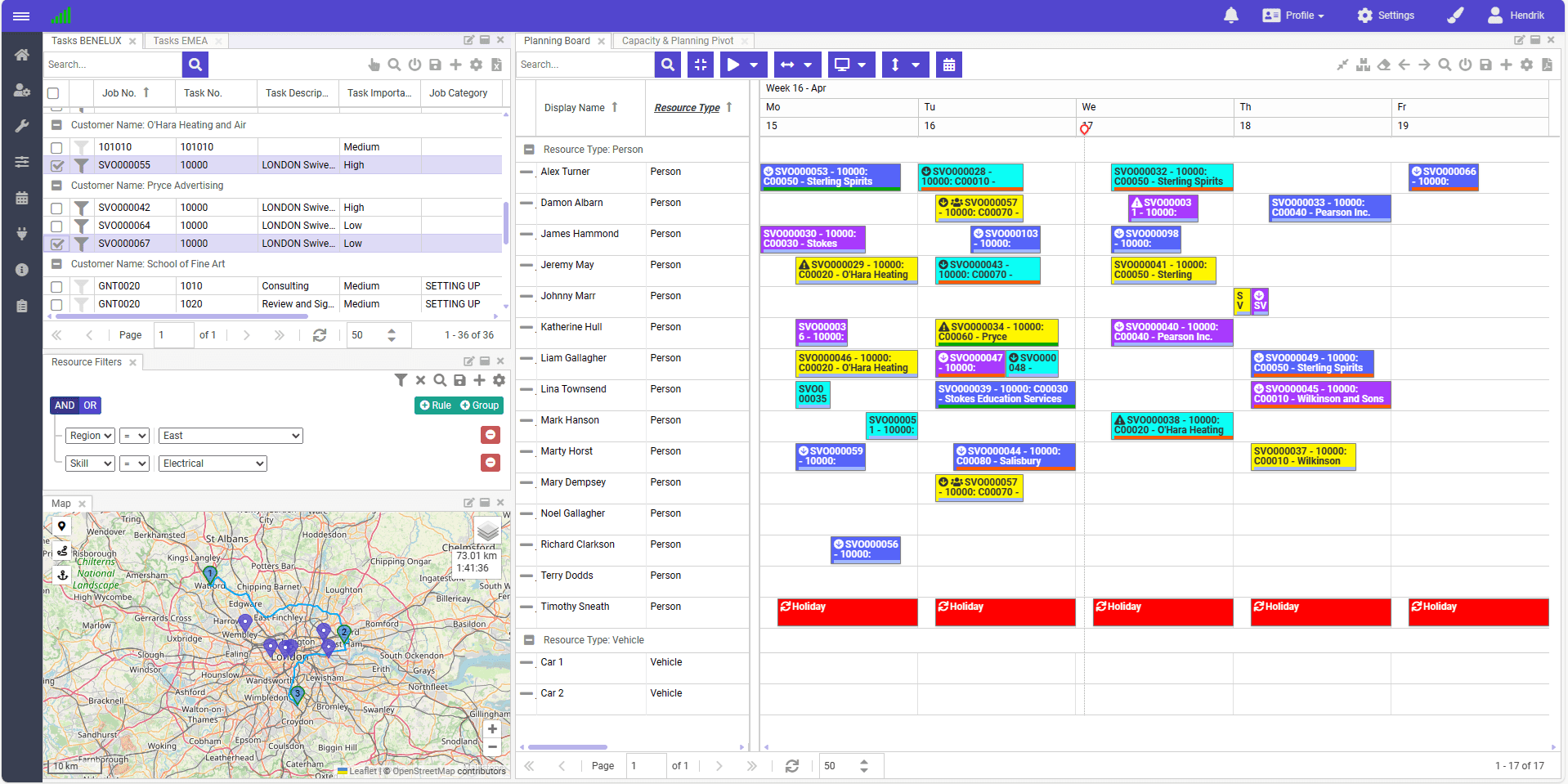
Know who is in and who is out at any moment, alongside the work that is planned.
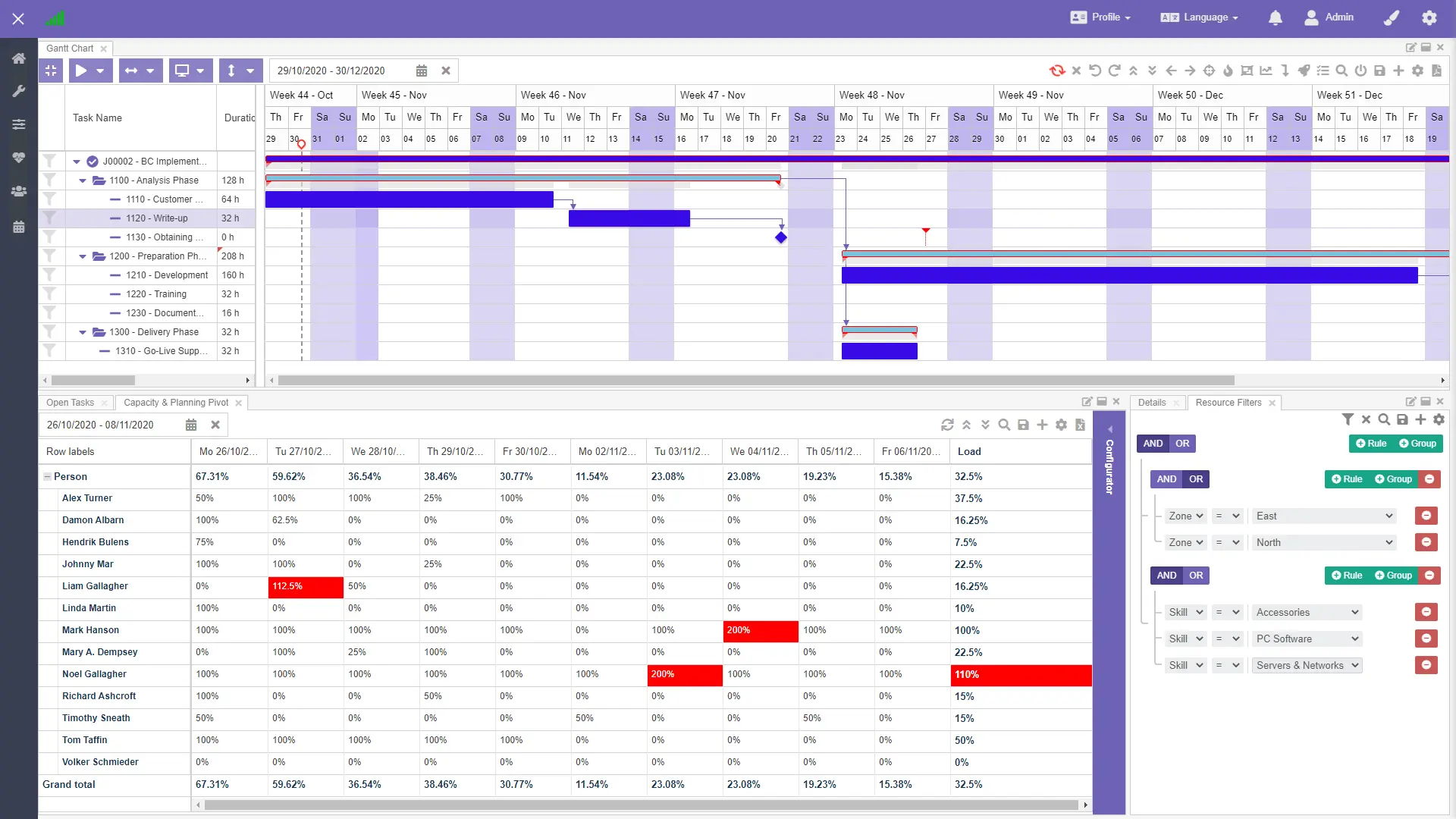
Reallocate resources and adjust workloads quickly, even during peak vacation periods.
When unexpected absences arise, Dime.Scheduler helps you adjust quickly.
Real-time updates from Business Central let you reschedule tasks and reassign responsibilities right away.
Respond flexibly and keep productivity up, even in challenging circumstances.
Like what you see?
Reach out to our team who will be happy to show Dime.Scheduler in action.
90-day free trial available!
