Microsoft Dynamics 365 Business Central
Dime.Scheduler makes assembly order planning seamless by giving you full control over the scheduling and tracking of every component in your production and assembly processes. Assign resources, manage timelines, and ensure that each step of the assembly is completed in sequence and on time. Whether you're handling simple or complex assembly orders, our tool helps you stay organized and efficient by coordinating every aspect of production, from start to finish.

Match available technicians and materials with the right tasks, so every assembly order runs smoothly.
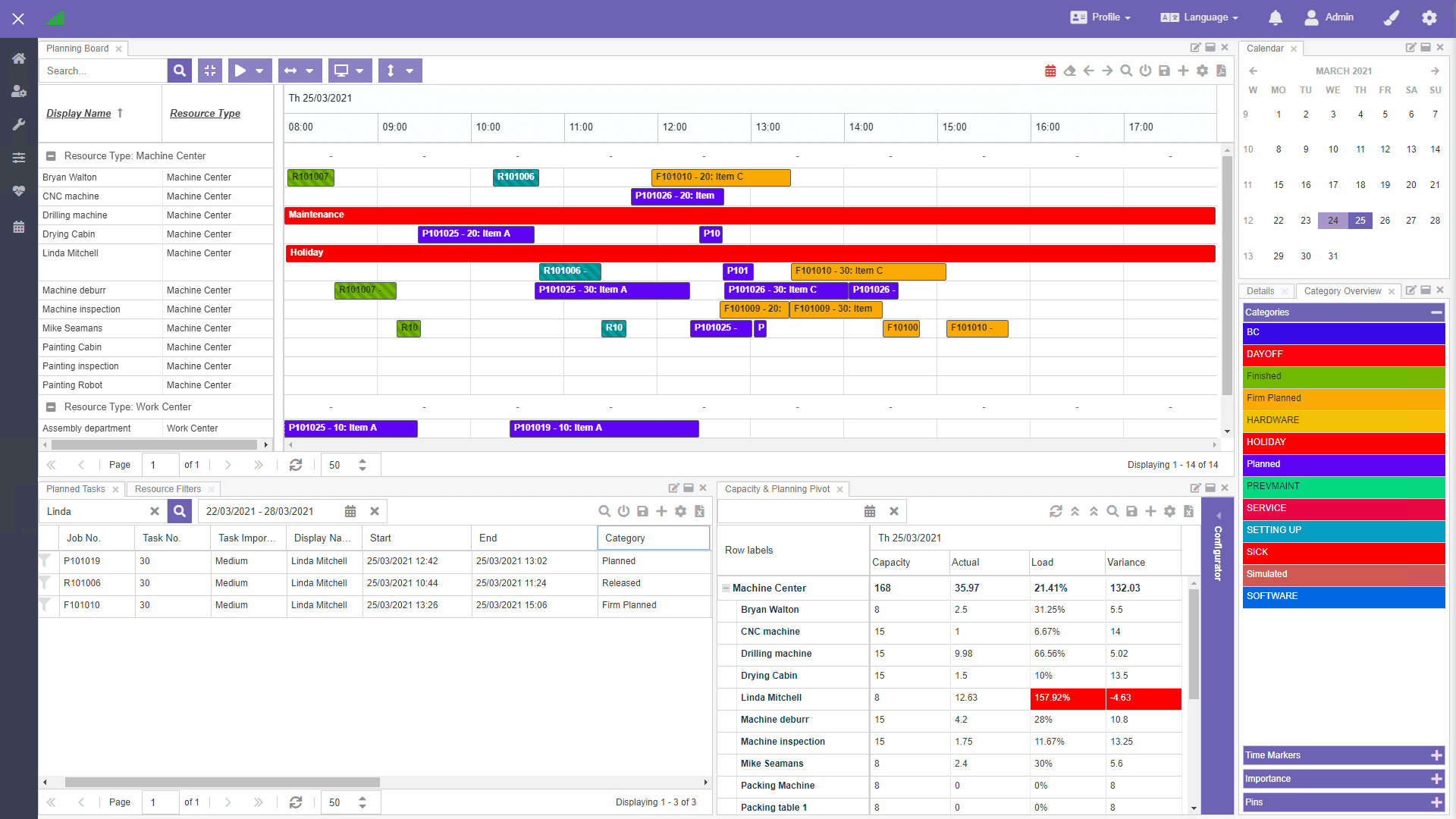
Assign both personnel and materials to each order, reducing delays caused by resource shortages.
Better allocation means assembly orders are completed faster, with fewer disruptions.
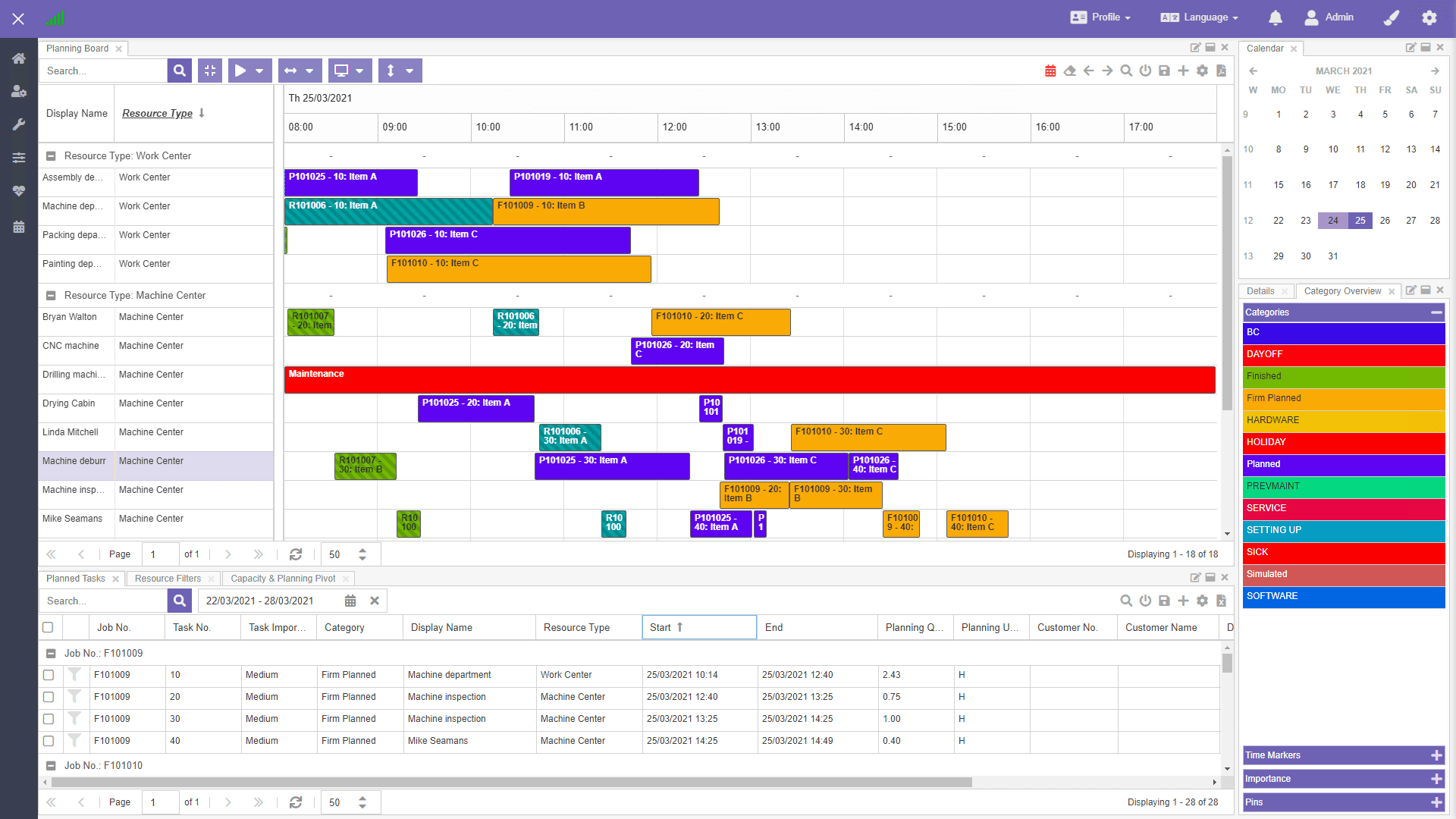
Track every assembly order in real time, so each stage of production stays on schedule.
See resource availability, task completion, and potential bottlenecks as they happen.
Respond to delays or changes immediately, minimize downtime, and keep your production flow uninterrupted.
Like what you see?
Reach out to our team who will be happy to show Dime.Scheduler in action.
90-day free trial available!
