Microsoft Dynamics 365 Business Central
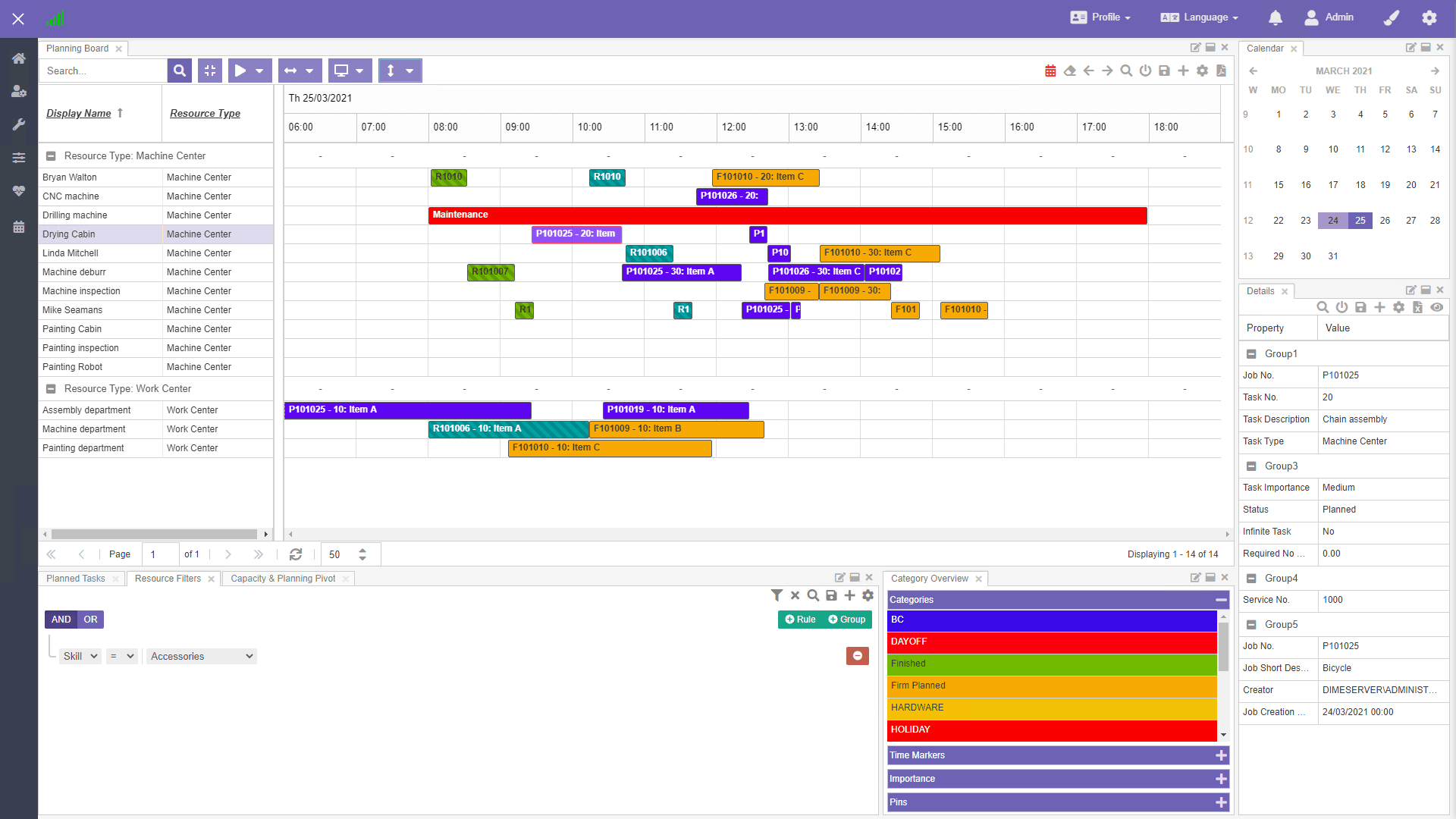
Dime.Scheduler enhances your production order management by allowing you to visualize the schedules of your machine and work centers generated by Business Central. With this clear, real-time view, planners can quickly assess the current workload and make adjustments where necessary to optimize efficiency and prevent bottlenecks.

Adjust machine and work center schedules on the fly whenever conditions change.
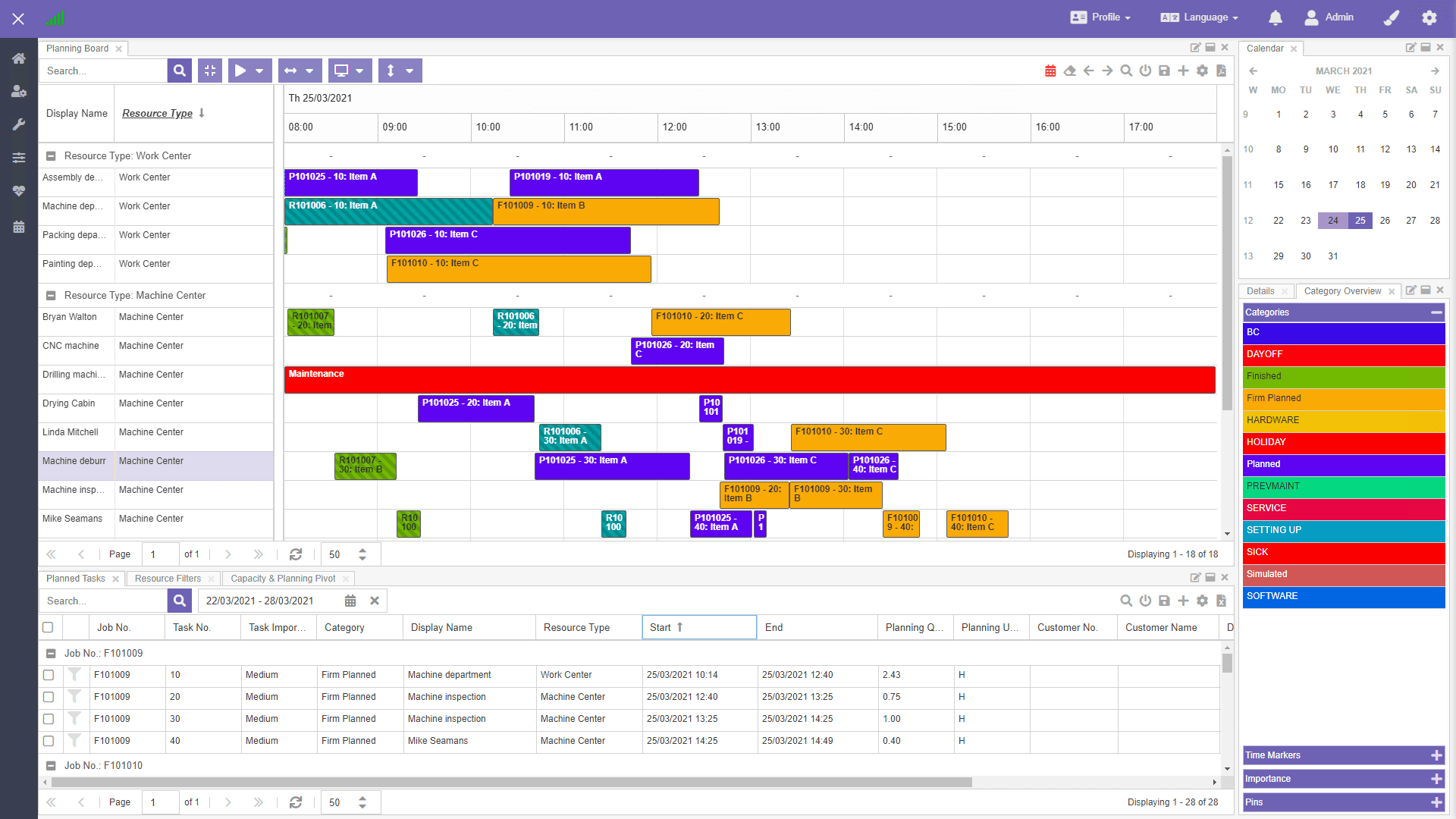
Move tasks between machines and work centers, or reschedule production timelines, without unnecessary delays.
React quickly to changing conditions so your production stays on schedule.
Dime.Scheduler uses Business Central's schedule data to show your production workload at a glance.
Assess how busy each machine is and where there is room for more work.
Manage work center availability and make informed decisions that keep production running smoothly.
Like what you see?
Reach out to our team who will be happy to show Dime.Scheduler in action.
90-day free trial available!
