Microsoft Dynamics 365 Business Central
Dime.Scheduler simplifies the process of scheduling sales orders by integrating directly with Business Central. Get a clear view of your sales order pipeline, assign resources, and track fulfillment in real time. Whether you're managing high volumes or handling custom orders, our tool ensures that each order is processed efficiently and on schedule.

With Dime.Scheduler's integration with Business Central, you see the status of all your sales orders in one place.
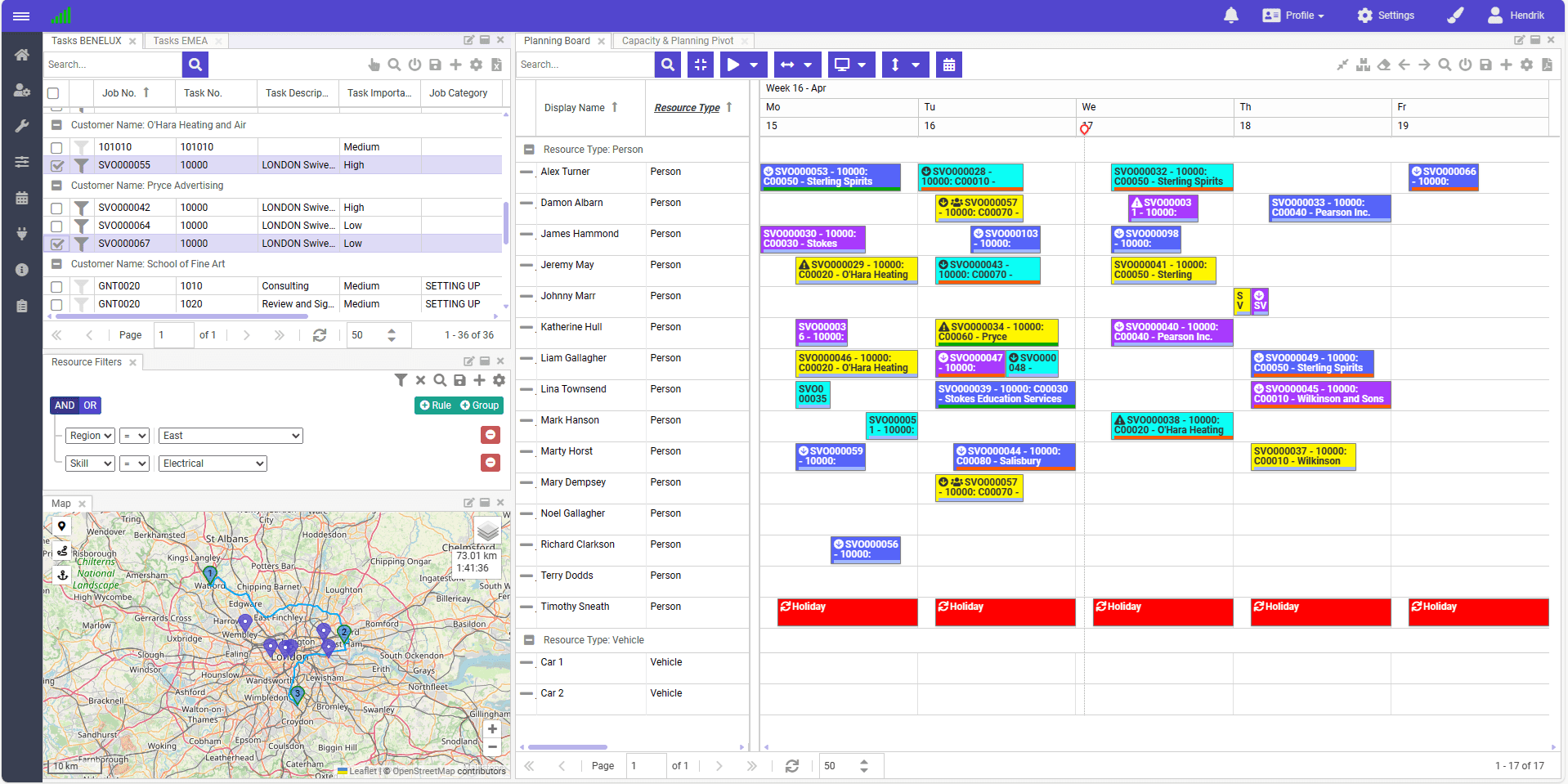
Track each order from receipt to fulfillment, so no order is missed.
See pending, in-progress, and completed orders as they change, and stay in full control of your sales workflows.
Adjust sales order schedules on the fly when demand, inventory, or resource availability changes.
Easy rescheduling options give you the flexibility to keep up with whatever the day brings.
Real-time data from Business Central keeps every decision informed and your sales operations running without disruptions.

Like what you see?
Reach out to our team who will be happy to show Dime.Scheduler in action.
90-day free trial available!
