
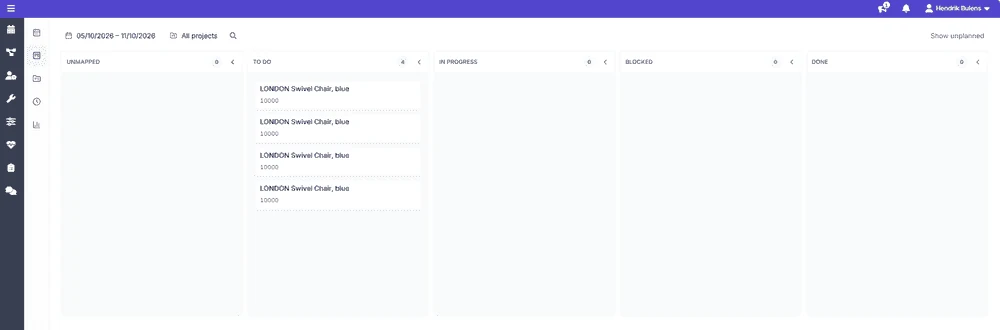
Tasks on a board
Drag a task to the next column to update its status.
The plan is only half the job. Everyone gets a clear overview of their own week, moves their tasks along as they go, and records the time they spend, from the office or the mobile app. You see how the work is progressing, and the hours flow straight to Business Central.
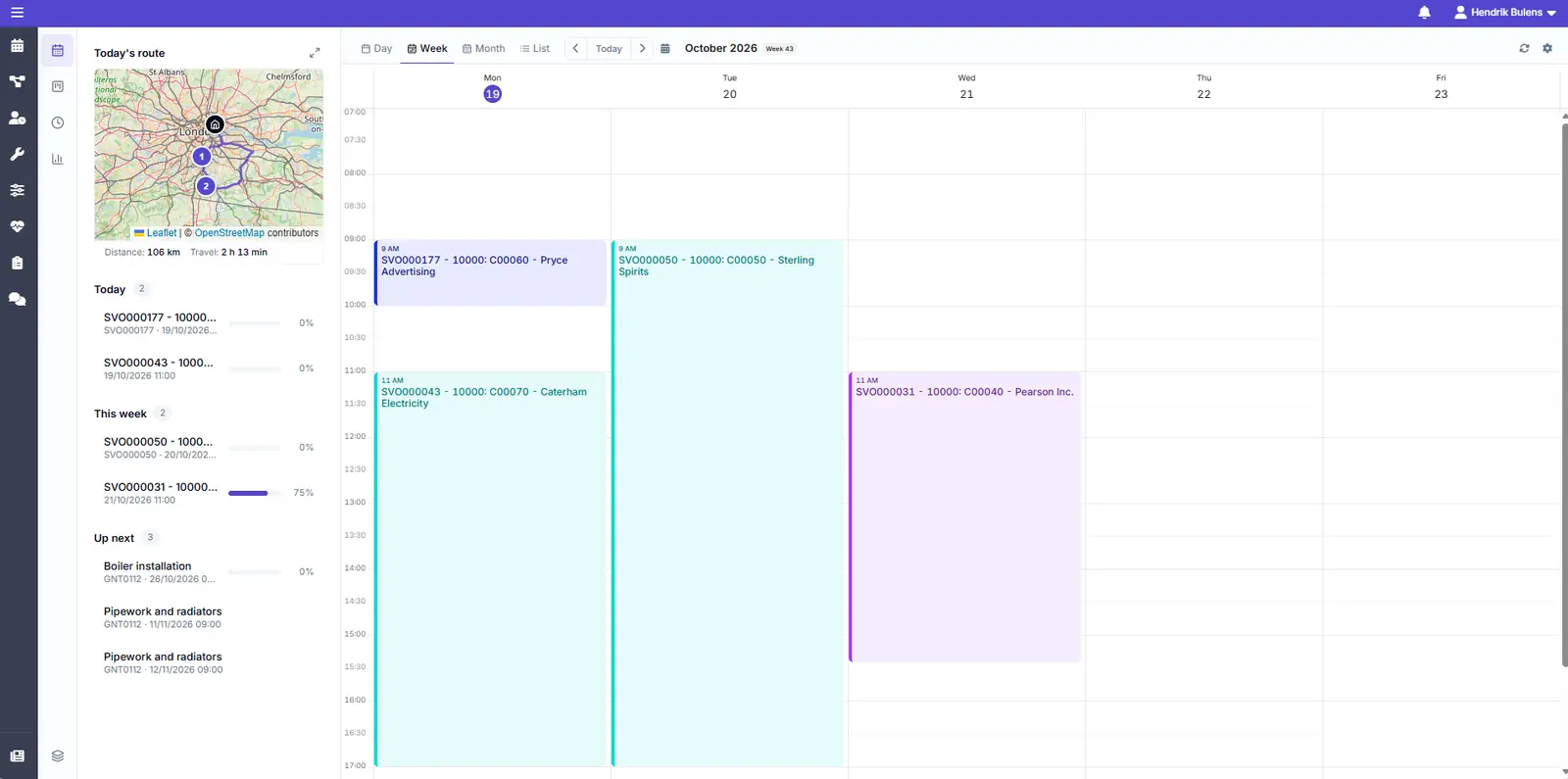
No more reconstructing last week on a Friday afternoon. Time is captured while the work happens, and the timesheet is mostly filled in already.
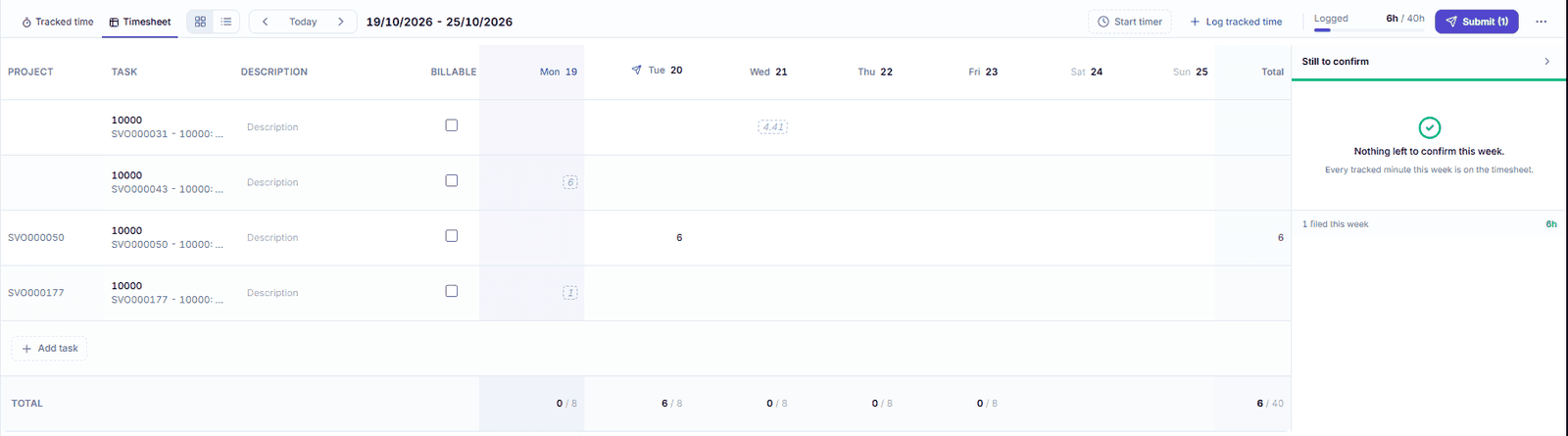
Start a timer on a task, or log time by hand.
Planned and tracked time are already suggested, so confirming takes minutes.
Submit your hours, billable ones marked, and they go to Business Central for approval.
A personal overview for the people who do the work, not just the people who plan it.
Drag a task to the next column to update its status.
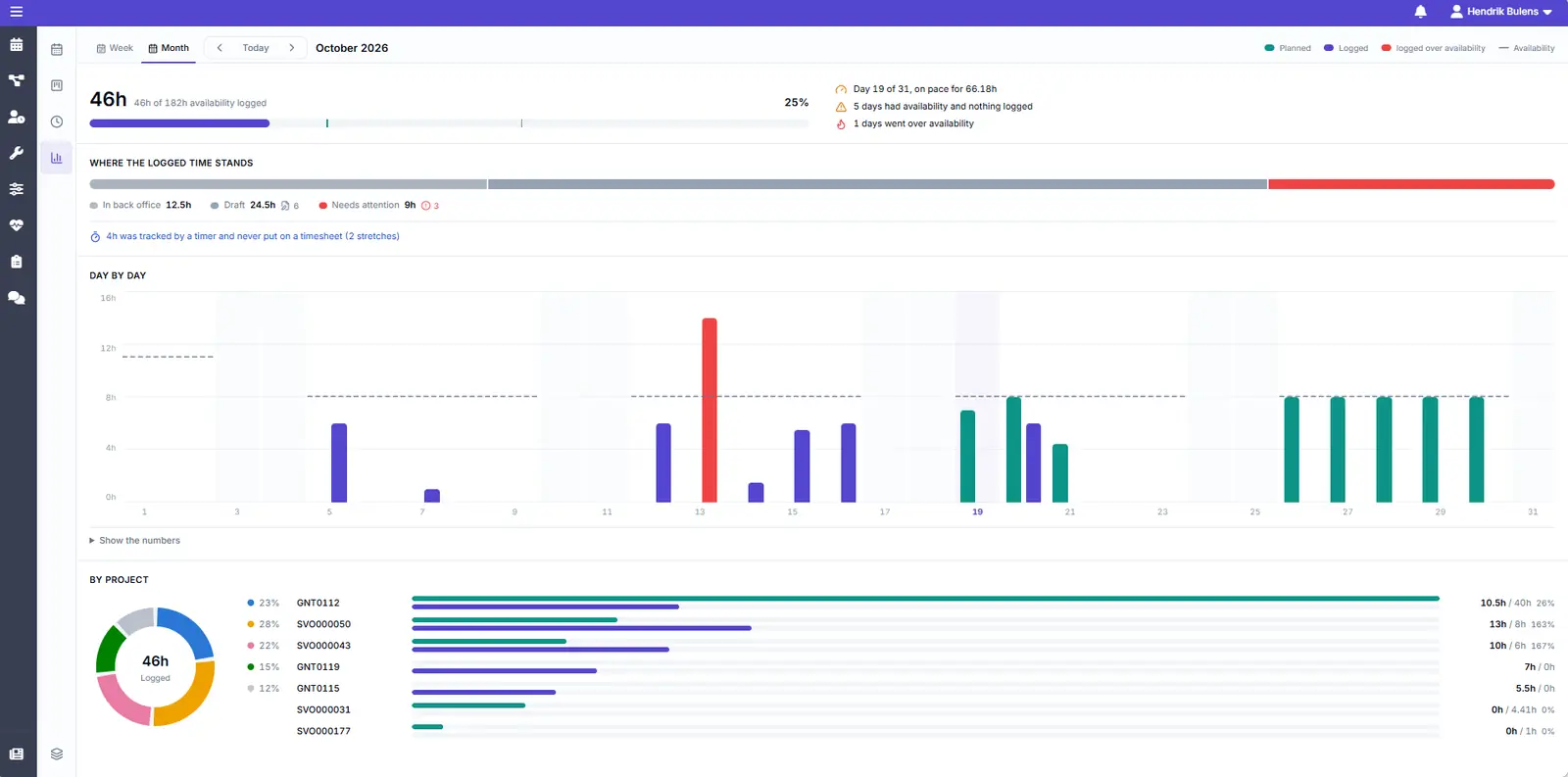
Compare logged hours with what was planned and the time available.
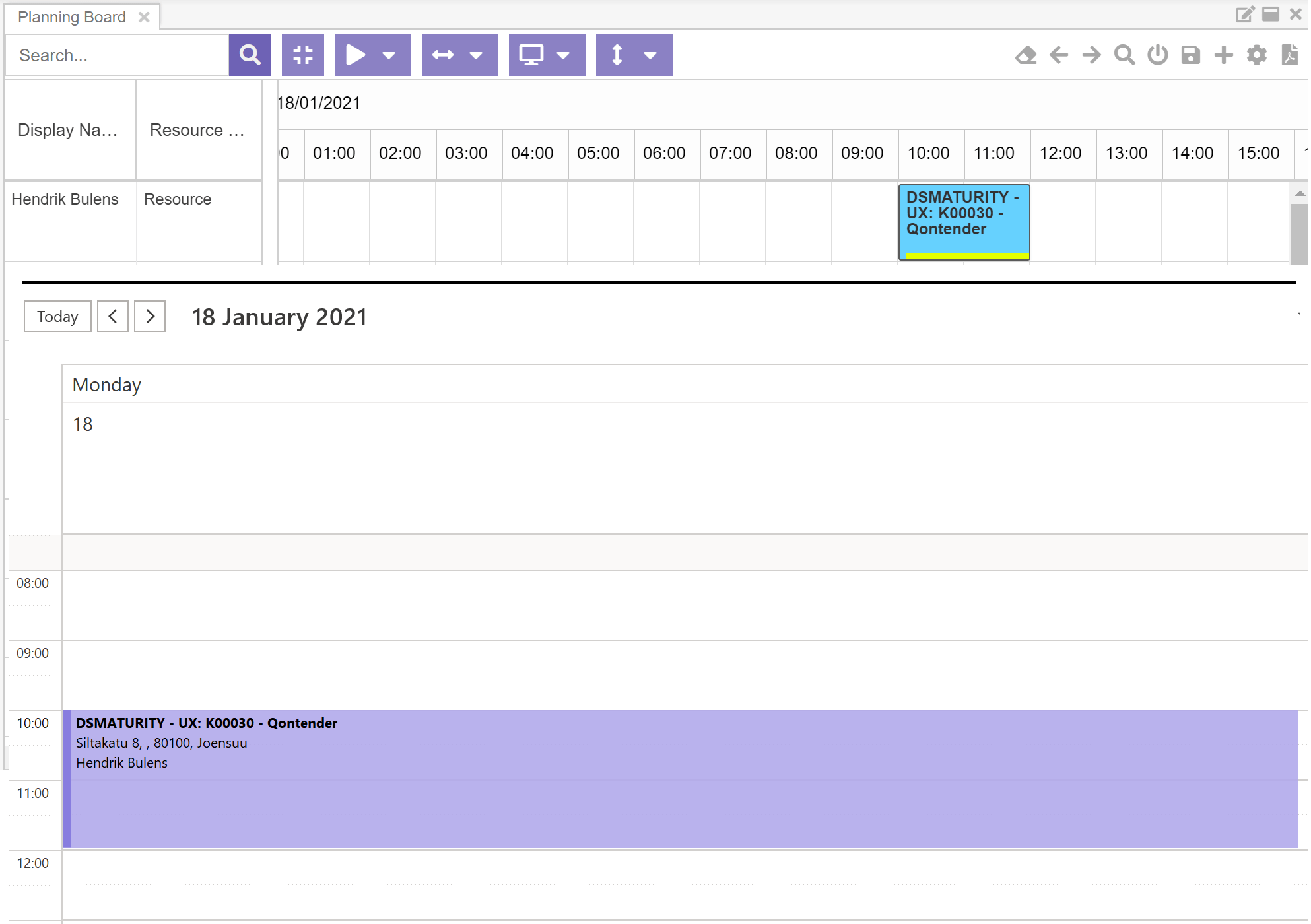
With the Exchange add-on, planned work shows up in Outlook and stays in sync.
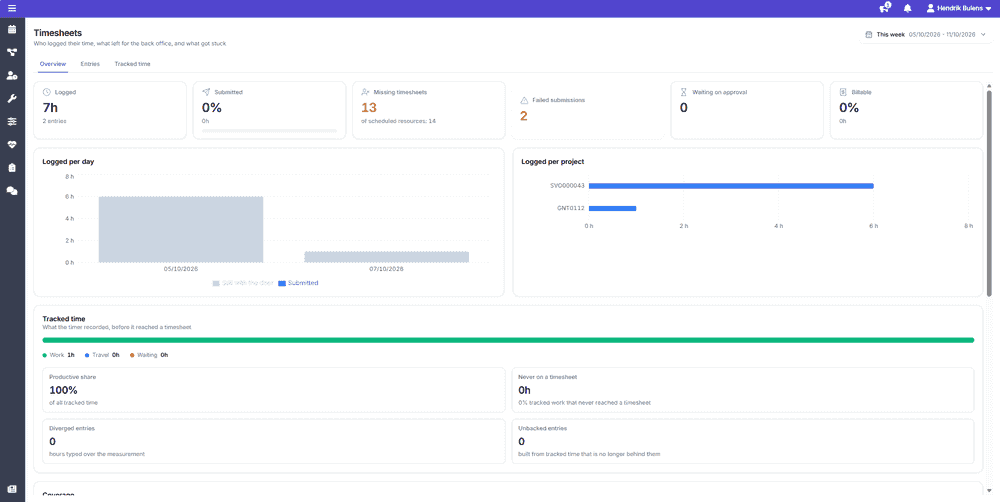
The timesheets overview shows everyone's time in one place, so you know exactly where to follow up.
See who has logged and submitted their time, and who has not.
Timer time that never reached a timesheet shows up separately.
Entries that did not reach Business Central are listed with the reason, ready to resend.
Everything a technician or consultant needs on their phone, and every update back on the planning board straight away.
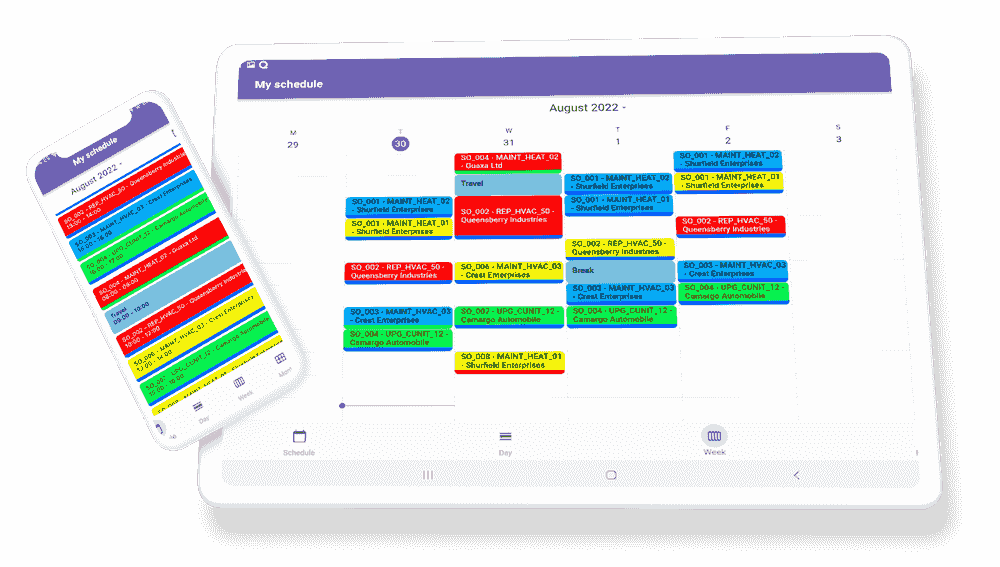
See the schedule, open a job's details and address, and update its status on site.
Track time on the job, ready to confirm on the timesheet.
If a person turns it on, the planner sees their location during the hours they choose.


The same data, seen at the level each role works at. Zoom out to steer, zoom in to get the work done.
Like what you see?
Reach out to our team who will be happy to show Dime.Scheduler in action.
90-day free trial available!