From the first sketch to the last site visit, Dime.Scheduler shows who works on which project and when. Plan the phases, staff them with the right people and keep the hours in line with the hours budget.
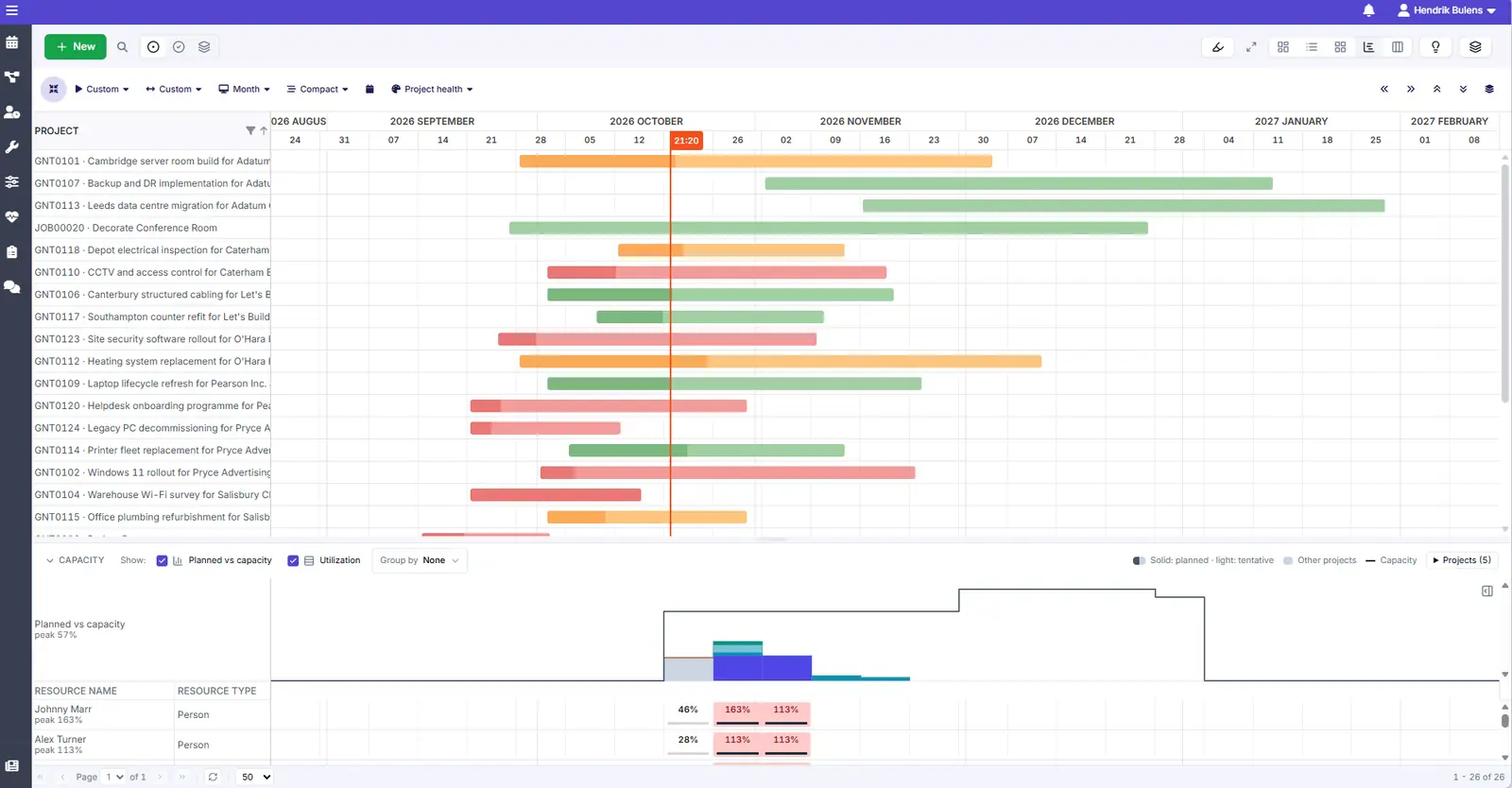
Most projects in an architecture or consulting practice follow the same path. Dime.Scheduler keeps every step in one place.
A new commission arrives from Business Central, your CRM or another system you already use. Nobody has to type it in again.
Split the work into phases such as concept, design, permit and construction support. Link the tasks that depend on each other and give each phase an hours budget.
Put architects, engineers and consultants on the project team, matched on skills and availability. You see right away who is already busy on other projects.
Your team logs time against the tasks they worked on. Timesheets go to Business Central for approval, and the hours show up against the hours budget of the phase.
See how far each project has come, how many hours have gone into it and what is holding it up.
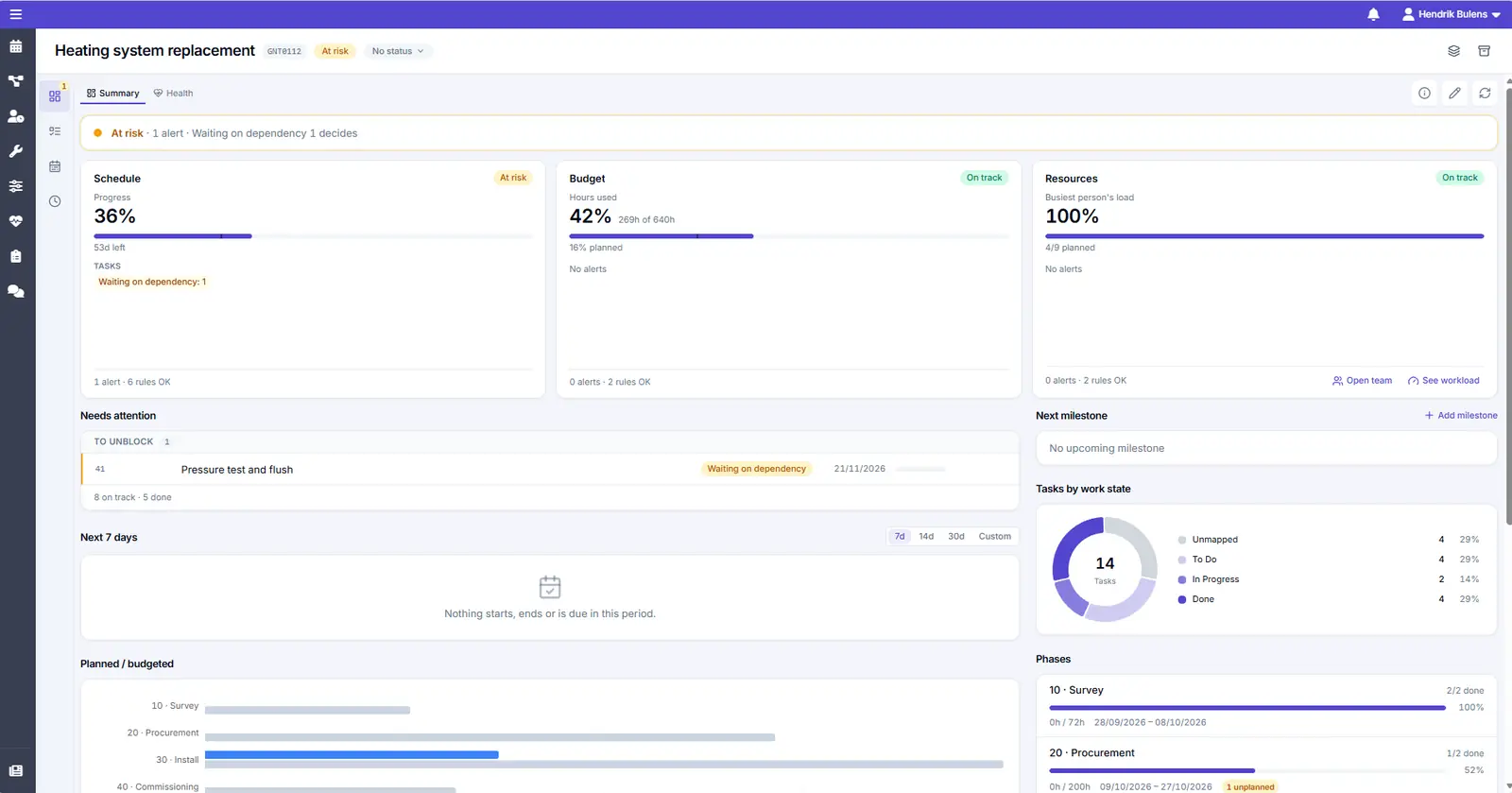
Compare the hours used with the progress of the work, phase by phase. A design phase that runs over shows up while there is still time to act.
Set the rules for when a project is at risk, such as a slipping deadline or an hours budget running low. Projects that break them are listed for you.
Dependencies show which tasks cannot start yet. A delayed permit or a late client decision is visible in the timeline, not just in someone's inbox.
Your people see what is planned for them and record their time without extra admin.
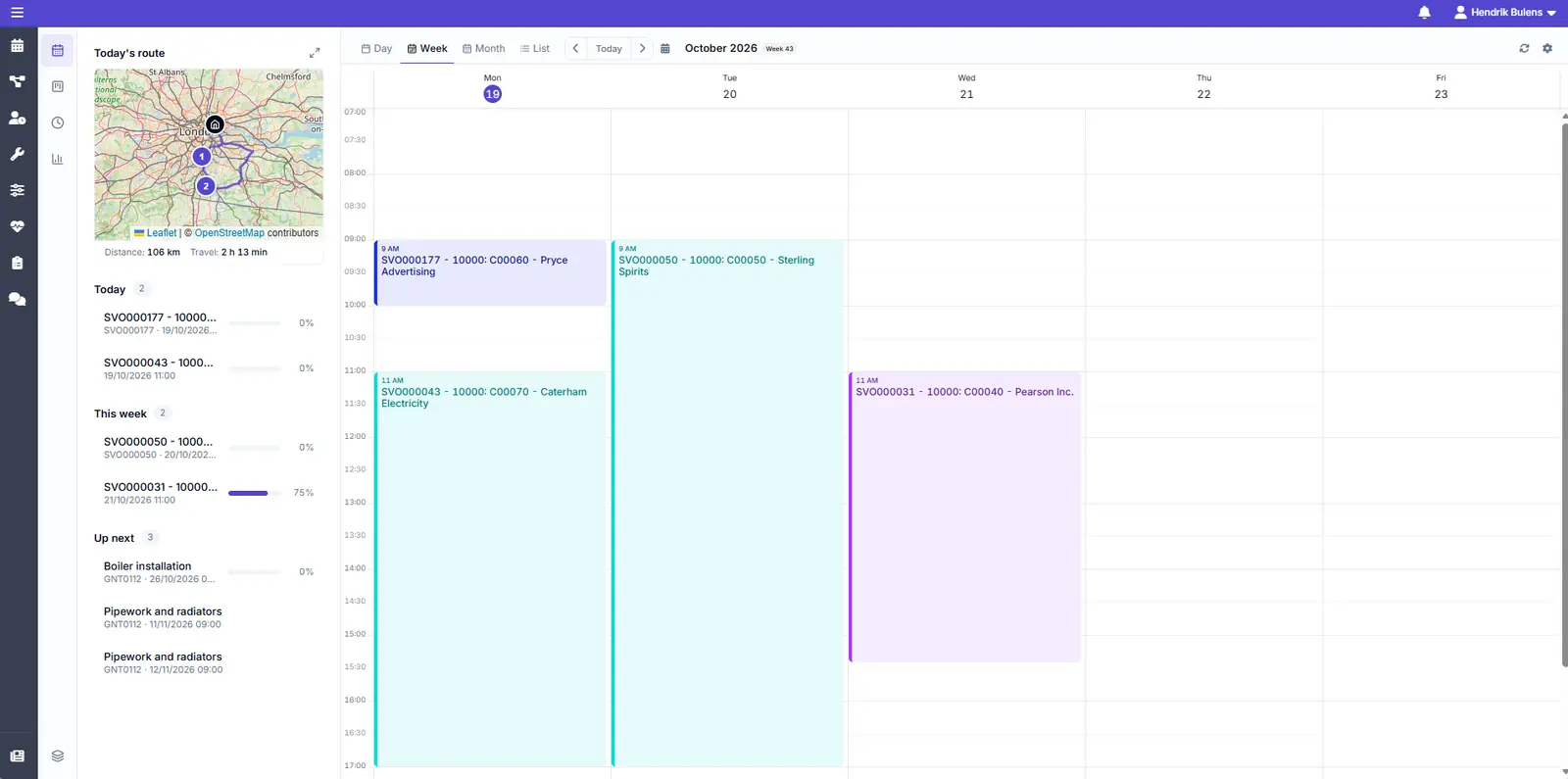
Each person sees their appointments, tasks and projects for the week in one overview.
Drag a task to the next column when it moves on, and its status is updated for the whole project team.
Start a timer on a task. The timesheet suggests the planned and tracked time, ready to check and send to Business Central for approval.
Planned work appears in Outlook and stays up to date when the plan changes.
Most of your team works on several projects at once. See their workload across all of them before you commit to a new deadline.
See the hours planned for each person next to their availability, week by week, including their work on other projects.
Filter on skills, certifications and availability to find who can take on a permit application, a design review or a site visit.
The map shows travel times and routes, so you can combine site visits that are close to each other on the same day.
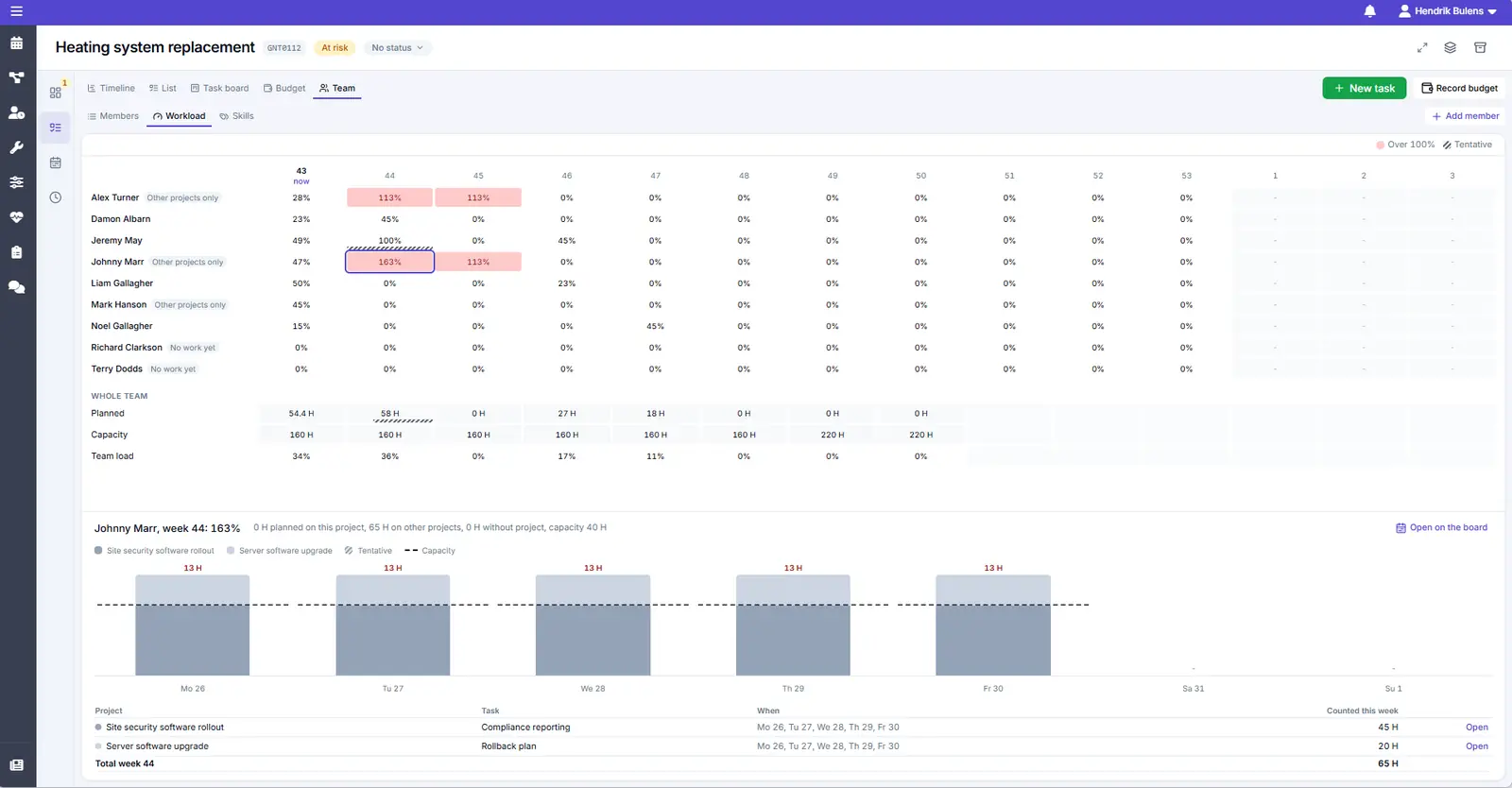
Each part works on the same data, so a change in the plan shows up on the schedule, and the hours logged in the office flow back to Business Central.
Like what you see?
Reach out to our team who will be happy to show Dime.Scheduler in action.
90-day free trial available.
