Plan deliveries, pick-ups, inspections and repairs of rented machines on one board, with your drivers, vans and technicians side by side.
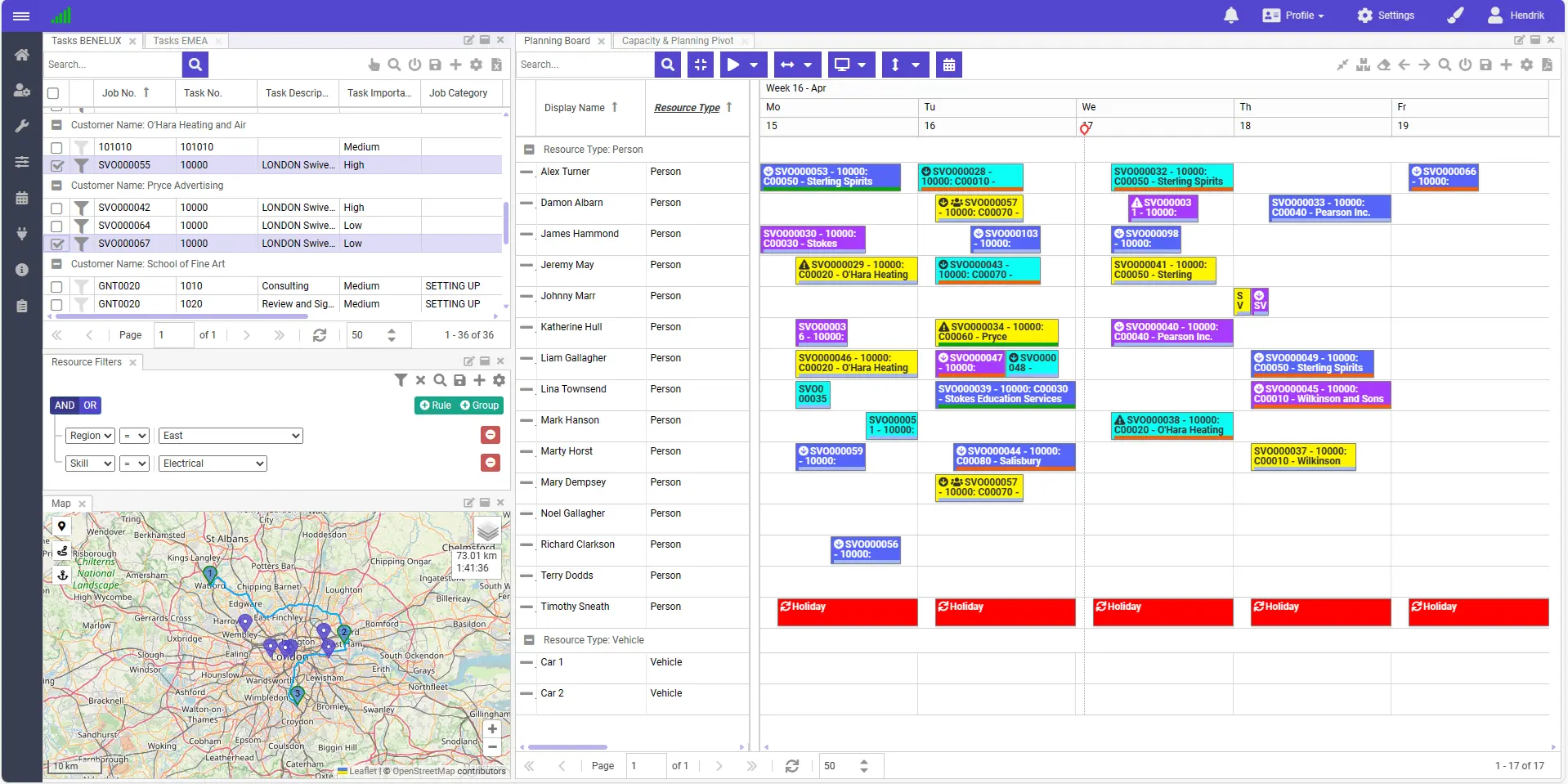
Every rental means a trip out, a trip back and a check in between. Keep all three in one plan.
Deliveries, pick-ups and service jobs arrive from Business Central or your rental system, ready to be planned.
Plan the driver and the vehicle together on the board, and group trips in the same area on the same route.
Drivers and technicians see their jobs in the app, and navigate to the site for every delivery, pick-up or repair.
Inspections and repairs between rentals are planned like any other job, so the machine is ready before its next delivery.
A van that drives out full and comes back empty costs money. See every stop on the map before the driver leaves.
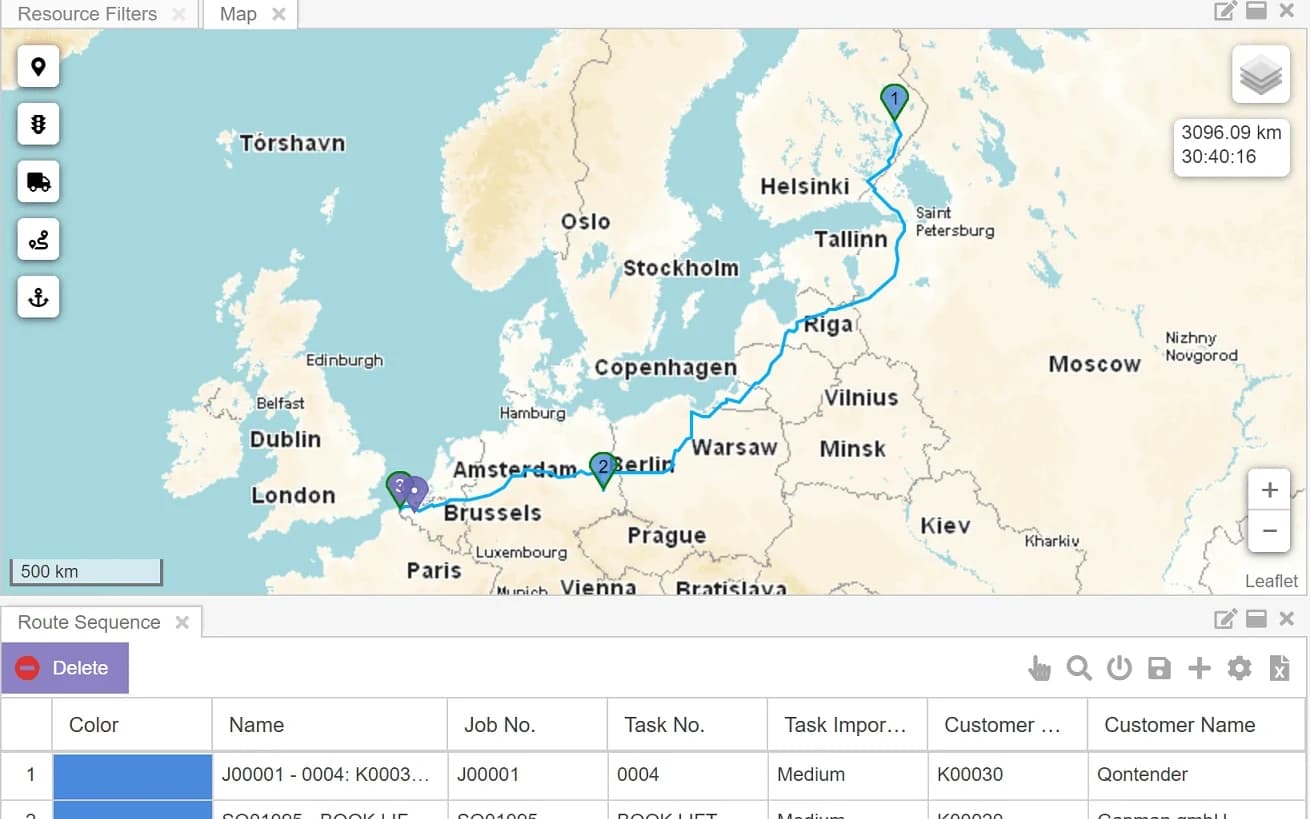
The map shows the route, the distance and the drive between each delivery and pick-up.
Pick up a machine on the way back from a delivery, so fewer trips are made with an empty van.
Automatic optimization (an optional module) assigns the trips to available drivers and keeps the distance down. You can review the changes before the drivers get them.
Everything for the day's deliveries, pick-ups and repairs, on a phone or tablet in the cab.
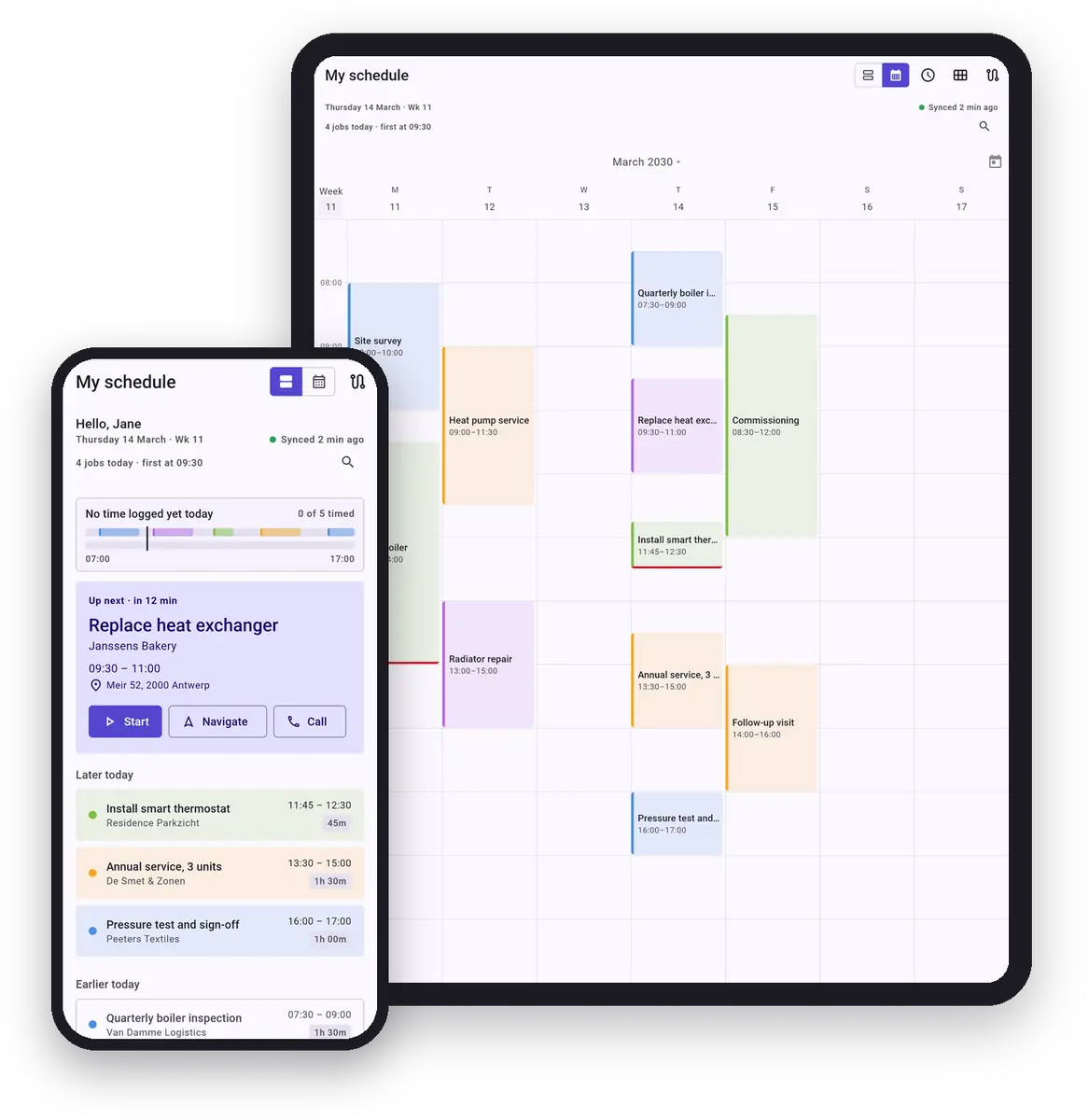
Each job with the site address, the contact and the notes from the office, plus the week ahead.
Start navigation with Google Maps, Apple Maps or Waze, or call the contact on site, straight from the job.
On a building site without coverage, the day's drop-offs and pick-ups stay on the phone.
A job that is moved or added shows up in the app, with no calls or texts to pass it on.
A delivery needs a driver with the right license and a vehicle that can carry the machine. Plan both in one place.
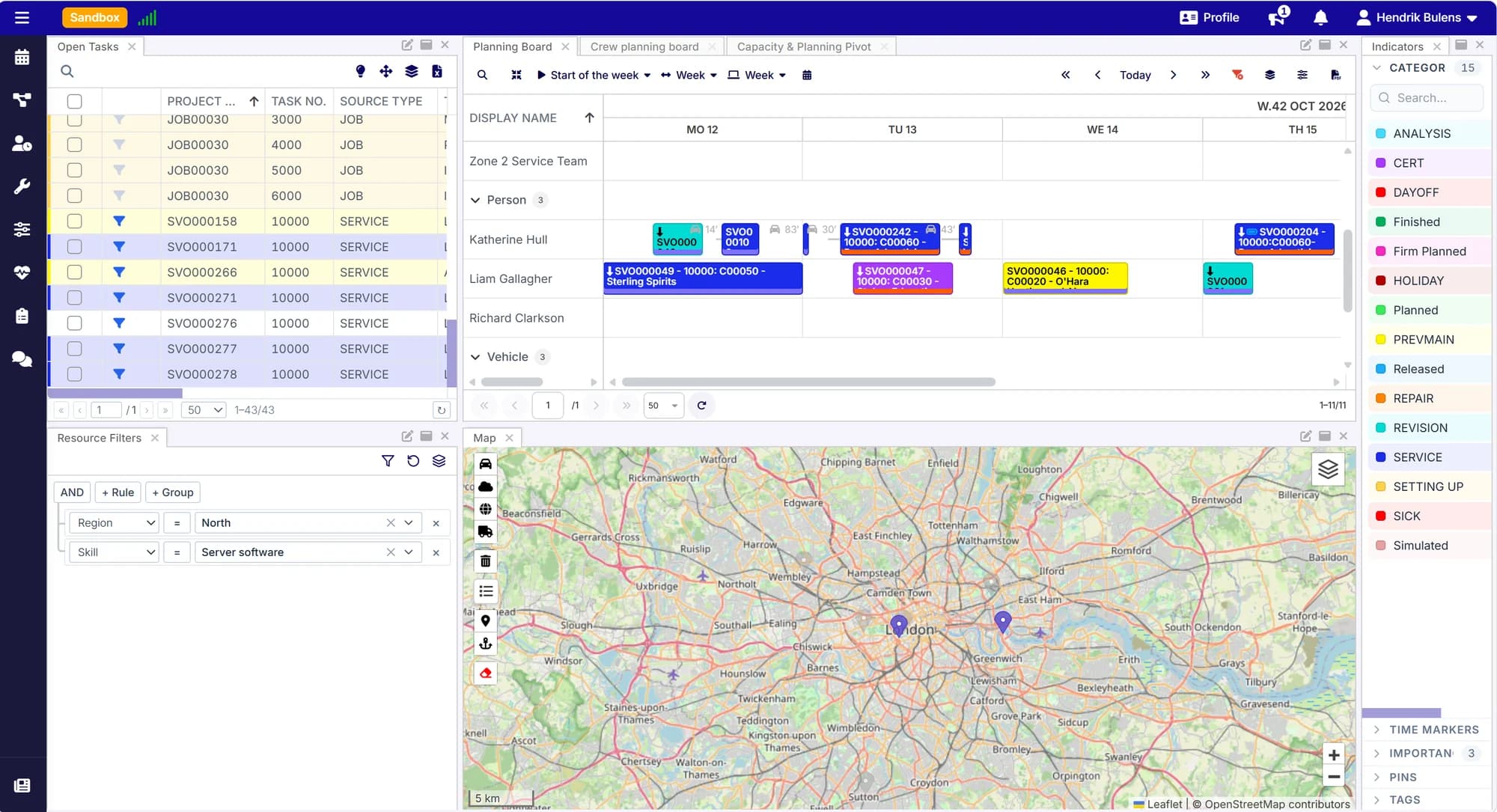
Vehicles get their own rows, so you see straight away which van is free on Thursday morning.
Filter on skills and certifications, so a forklift repair goes to a technician who knows the machine.
A customer needs the excavator a day earlier? Move the delivery and the driver sees it in the app.
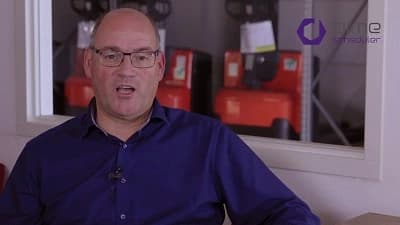
Grobeco, a Toyota forklift dealer, shares its experience with Dime.Scheduler in this video.
Watch the videoHeinrich Grotemeier, a construction machinery dealer and Liebherr partner, plans maintenance, repairs and machine adjustments in Dime.Scheduler. Technicians are assigned on their qualifications, and the trucks and crane equipment for transport are planned on a second board.
Read Grotemeier's entire storyEach part works on the same data, so a change in the plan shows up on the schedule, and the hours logged in the office flow back to Business Central.
Like what you see?
Reach out to our team who will be happy to show Dime.Scheduler in action.
90-day free trial available.