The Dime.Scheduler app for iOS and Android gives technicians and consultants their schedule, the job details, directions, and a timer. Every update they make goes straight back to the planning board, and their hours go to Business Central.


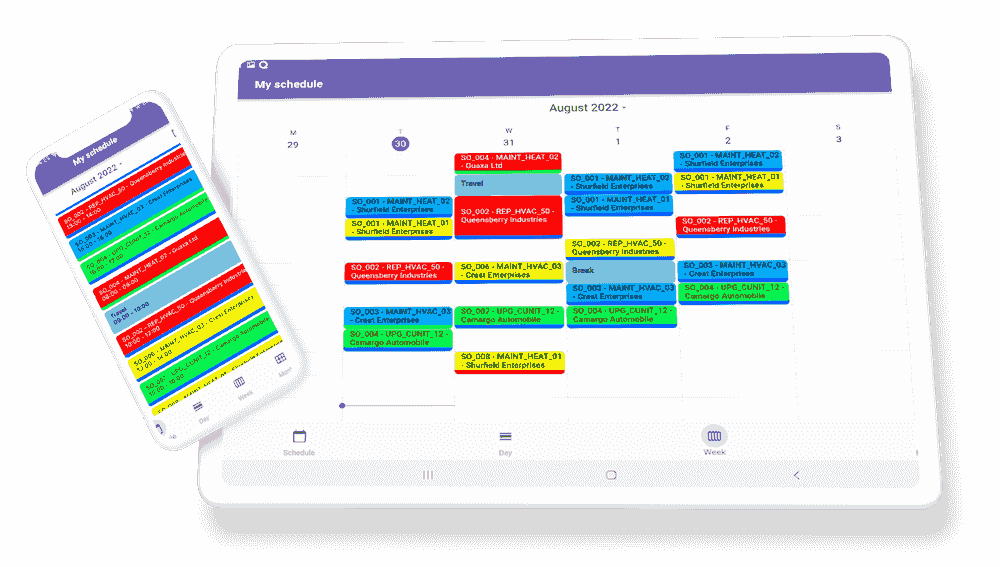
Open the app and the day is already there: what comes next, where it is, and who to call.
The agenda shows the job that is up next, what is still to come later today, and whether the day is on schedule. Switch to the calendar for the day, week, or month.
See every stop of the day or the week on the map, and choose to start and end at your home base. Included when maps are part of your license.
Open the address in Google Maps, Apple Maps, or Waze, or call the customer straight from the job.
The job information, its fields, the customer and site contacts, who else is on the job, and the notes, all on one screen.
Change the category or time marker of an appointment, and the planner sees it on the planning board.
Get a notification 15 minutes, 30 minutes, or an hour before an appointment starts. Reminders follow your schedule, even offline.
No more reconstructing the week on a Friday afternoon. The hours are captured on the job and confirmed in a few taps.
Start the timer on a task and pick work, travel, or waiting. It stays visible on every screen until you stop it. Or log the time by hand.
Add your recorded time to the timesheet, check the entries, and submit them to the back office.
See how much of your capacity you have logged, and how much time a task has taken so far.
Basements, farms, and plant rooms rarely have a good signal. The app is made for where the work actually happens.
The schedule, the planning board, and the job details stay available without a connection. Status and field changes are saved on the phone and sent when you are back online.
Speak your notes and time descriptions instead of typing them with gloves on.
If you turn it on, the planner sees where you are on the days you choose, so they know who is closest to the next job. Pause it whenever you like.
Look at the planning board for the whole team, and search for a colleague by name, department, or team.
Available in English, Dutch, French, and German.
Follow the phone's theme or pick light or dark yourself.
The app shows the same plan as the planning board, so the planner and the people doing the work always look at the same thing.
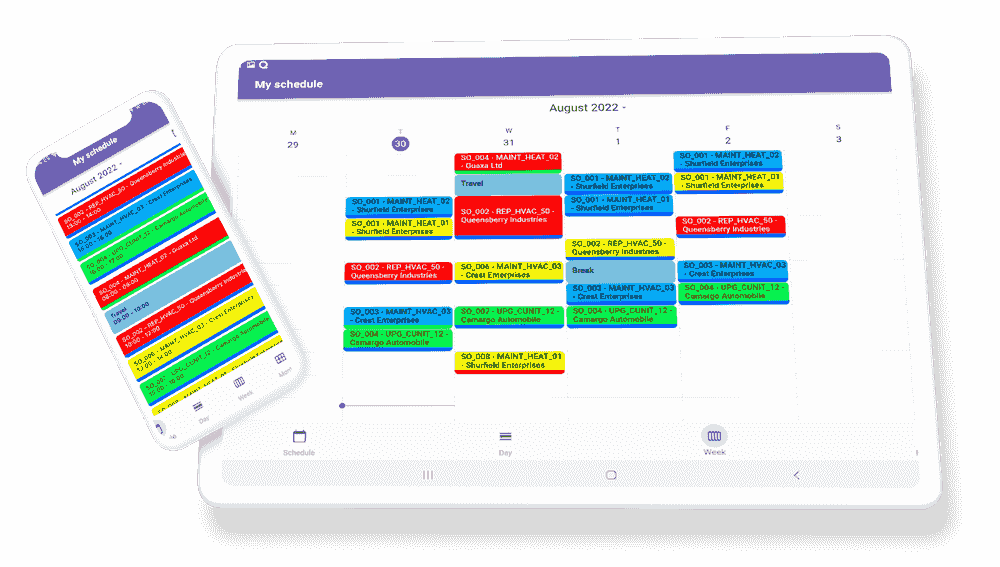
People linked to a resource get their own schedule, and those who are allowed to log time get the timer and timesheet.
Connect the app to the Dime.Scheduler environment your team works in.
Like what you see?
Reach out to our team who will be happy to show Dime.Scheduler in action.
90-day free trial available!
